

Disclosure: this article contains an affiliate link. If you buy through it, we may earn a commission.
If you’re building applications using artificial intelligence tools and need a data layer that works without manual configuration, NoCodeBackend serves as a functional tool to automate your database and API requirements. Choosing the right NoCodeBackend alternatives requires matching your specific project needs, such as the complexity of your data relationships or the speed at which you need to deploy live endpoints.
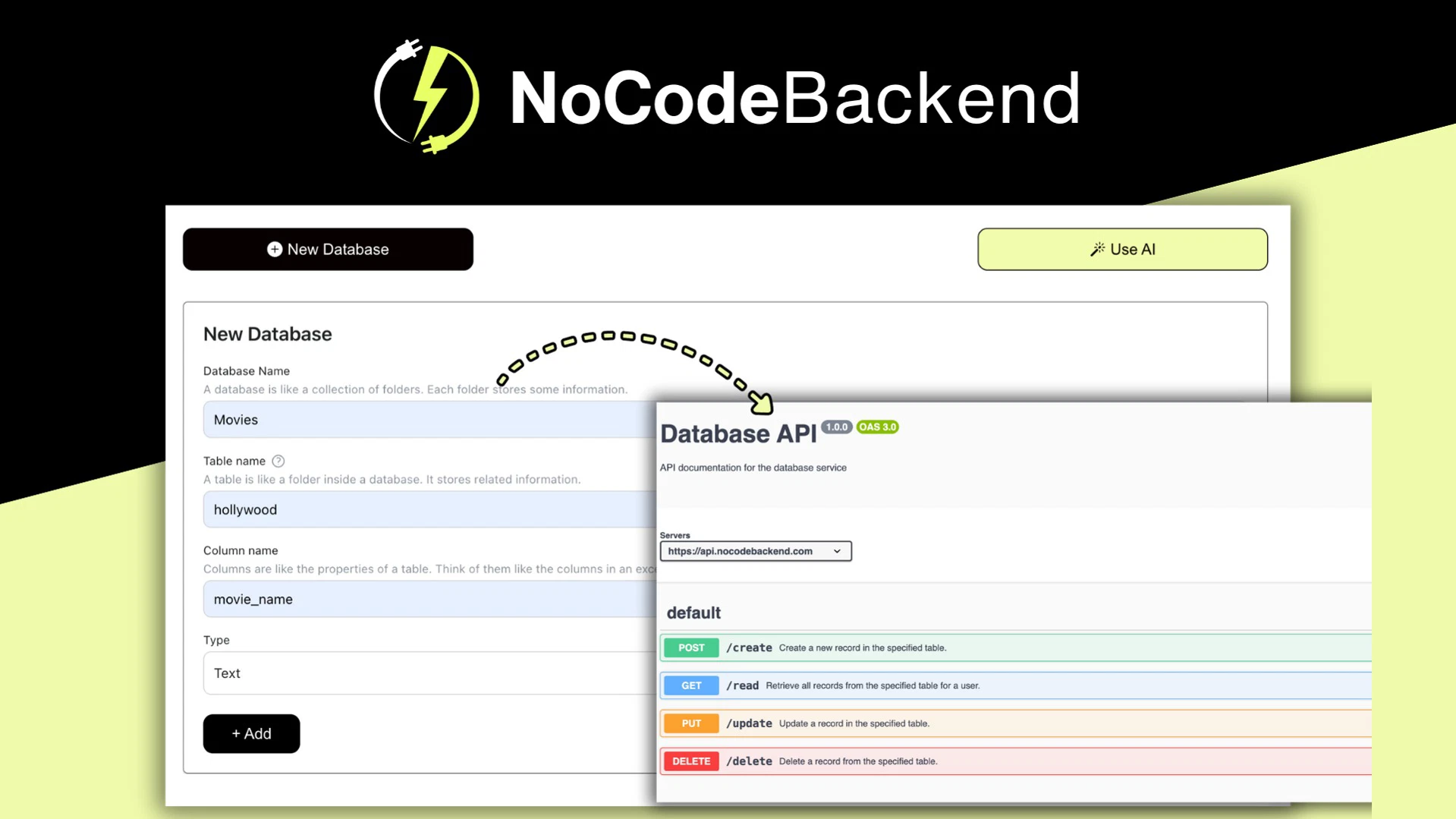
Top NoCodeBackend alternatives for your stack

When you look for alternatives, you’re essentially comparing how different platforms handle the connection between your front-end interface and your underlying database. Some tools focus on providing a visual spreadsheet-like experience, while others prioritize developer-friendly API structures. You should choose a platform based on whether you need a simple database, a complex logic engine, or a bridge that keeps your API documentation updated automatically as your data schema changes.
| Feature | NoCodeBackend | Traditional Manual Backend | Managed Database-as-a-Service |
|---|---|---|---|
| Setup Time | Instant | Weeks | Hours |
| API Creation | Automatic | Manual Coding | Semi-Automated |
| Documentation | Built-in | Manual Writing | Basic/Limited |
| Primary User | AI App Builders | Software Engineers | Data Architects |
Each of these categories serves a different stage of development. If you’re building a prototype with AI coding tools, you likely want the speed of an automated system. If you’re building a scalable enterprise application with strict security compliance, you might find that manual control or a dedicated managed service provides the necessary oversight for your data structures.
Why API Documentation Matters for Your Workflow
The value of an automated backend often hinges on how well it communicates with the rest of your tech stack. When a platform generates REST APIs for each database, it creates a bridge that allows your front-end components to request, update, or delete data without you writing a single line of backend code.
Documentation isn’t just a reference manual; it’s the contract between your database and your app. When this documentation is auto-generated, any change you make to your database schema is reflected in the API documentation immediately. This prevents the common mistake of having a front-end that tries to send data to a field that no longer exists. If your project involves frequent changes to your data structure, prioritize tools that offer real-time synchronization between your database and your API docs.
Choosing the Right Tool for Your Project

Selecting the correct path depends on the trade-off between control and convenience. If your project is a small, internal utility or a quick customer-facing prototype, you should prioritize tools that offer lifetime access and low maintenance. You lose some ability to customize the underlying server logic, but you gain the ability to launch your application in a fraction of the time.
Tip: Before you commit to a platform, verify that it supports the specific database format your AI coding tools prefer to generate, as this will minimize the amount of data cleaning you have to do later.
Conversely, if you’re building a product that requires complex integrations with third-party software, you might find that standard automated tools are too rigid. In these cases, you should look for platforms that offer “webhooks” or “custom functions” alongside their standard database features. These allow you to trigger external actions when data changes, which is a common requirement for professional-grade applications.
Common Mistakes When Evaluating Backend Tools
One of the most frequent errors developers make is underestimating the cost of long-term hosting. While an automated tool might be inexpensive at the start, you should always check the scaling limits. If your app becomes popular, will the platform charge you based on the number of rows in your database or the number of API calls you make?
Another mistake is ignoring the portability of your data. You should always ensure that you can export your data in a standard format, such as CSV or JSON, at any time. This protects you from “vendor lock-in,” where your entire application logic is tied to a single provider. If the platform doesn’t offer a clear “Export” button in their settings menu, you should consider that a significant risk factor for your project’s future.
Is It Safe to Use Automated Backend Platforms?
Automated backends are generally safe for standard web applications, provided you follow basic security practices. Most modern platforms follow the ISO/IEC 27001 standard for information security, which ensures that your data is handled with consistent, verifiable processes. You should check if the provider offers granular access controls, which allow you to decide exactly which parts of your database are public and which parts require a secure login.
If your application handles sensitive information, such as medical records or financial details, you should avoid using generic automated tools. These platforms are designed for speed and ease of use, not for the high-level compliance required by regulated industries. In such cases, you should consult with a professional to ensure your backend architecture meets the legal requirements of your region.
Related guides
Frequently Asked Questions

Can I migrate my data away from an automated backend later?
Yes, most reputable platforms provide tools to export your database schema and content into standard formats like JSON or CSV. Always check the settings or documentation of a platform before you start building to ensure they offer an export feature, as this allows you to migrate your data if your project requirements change.
Do I need to know how to code to use these platforms?
You don’t need to write server-side code, but you should have a basic understanding of how databases and APIs function. Knowing how to structure your data, such as understanding the difference between a user table and a product table, will make it much easier to build your application effectively.
How do I handle user authentication on these platforms?
Most automated backend tools include built-in authentication systems that manage user sign-ups, logins, and password resets for you. These systems typically use standard protocols, which means they’re secure enough for most consumer-facing applications, but you should verify they support the specific login methods, like Google or GitHub, that your users expect.
What happens if the backend platform goes offline?
If a platform goes offline, your application will stop functioning because it relies on that service to retrieve and save data. This is a primary risk of using any third-party service, which is why you should always maintain a local backup of your data and ensure you have a plan to move to a different provider if necessary.
Can these tools handle high traffic?
Automated backends may face performance issues if your application grows to thousands of concurrent users. You should check the documentation for rate limits to ensure the service can handle your expected growth.
Why does my API response return unexpected data formats?
Unexpected data formats usually stem from a mismatch between your database schema and the front-end request structure. Automated systems rely on strict definitions, so ensure your database labels and API documentation are perfectly synchronized to avoid null values or errors.
How do I handle complex data relationships?
Linking multiple tables requires you to define foreign keys or unique identifiers within your database structure. If your chosen tool doesn’t explicitly support relational linking, you may need to handle this logic in your front-end code.
| Data Complexity | Recommended Backend Approach |
|---|---|
| Single Table / Simple List | Automated REST API |
| Linked Tables (User to Order) | Automated with manual front-end joins |
| Multi-Table Relational Queries | Custom backend or Managed Database Service |
Can I connect my existing database to these tools?
Most automated backend platforms aren’t compatible with existing databases and require you to use an import feature. If the platform lacks this, you must export your data to CSV or JSON and manually map it to the new format.
Why do my API calls sometimes time out?
API timeouts occur when the server struggles to process large data sets or unoptimized queries within the time limit. To fix this, implement pagination in your front-end requests to limit the number of items returned in a single call.
How do I manage security for public-facing data?
Generating an API can accidentally expose your entire data set, so always review the access control settings for each endpoint. Most platforms provide a toggle to set endpoints as public or private, and you should only use public for non-sensitive information.
Final Thoughts
Ultimately, the best platform is the one that doesn’t get in your way. Take a moment to map out your data needs today, then sign up for a free trial of your top choice. You’ll find that once you’ve got the right fit, building your next project won’t feel like a chore.


